Brit 800
Select a component to highlight it. Choose Inside to remove the cabinet, or Exploded to see how it all fits together.
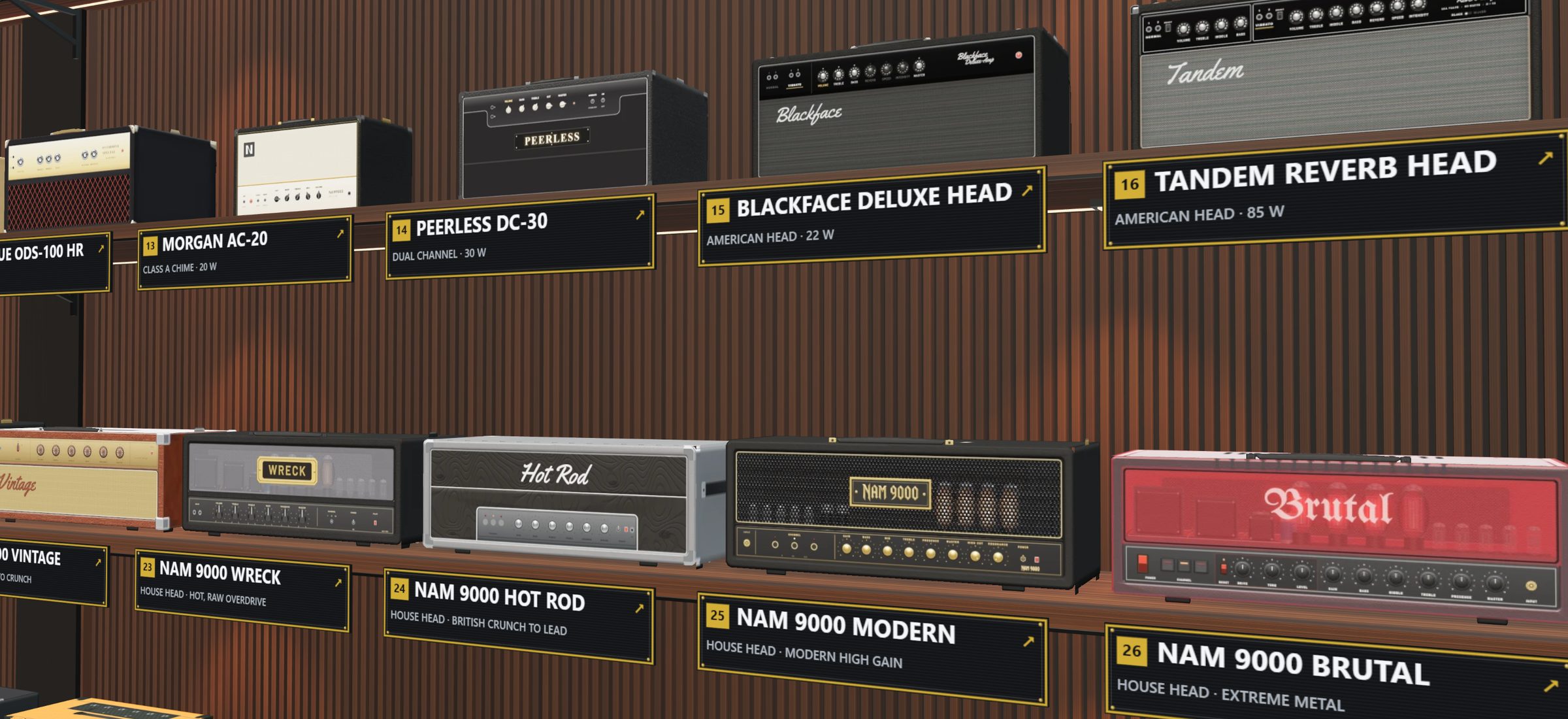
The whole NAM 9000 collection in 3D, at real size. Walk the shelves, take an amp apart — then build your own amp and cab and play them in NAM 9000.
Try it here · eight amps from the room
Pick an amp — each one is built to the real amp's measurements. Drag to turn it, pull it apart, or click a part to see what it is — right here in your browser.
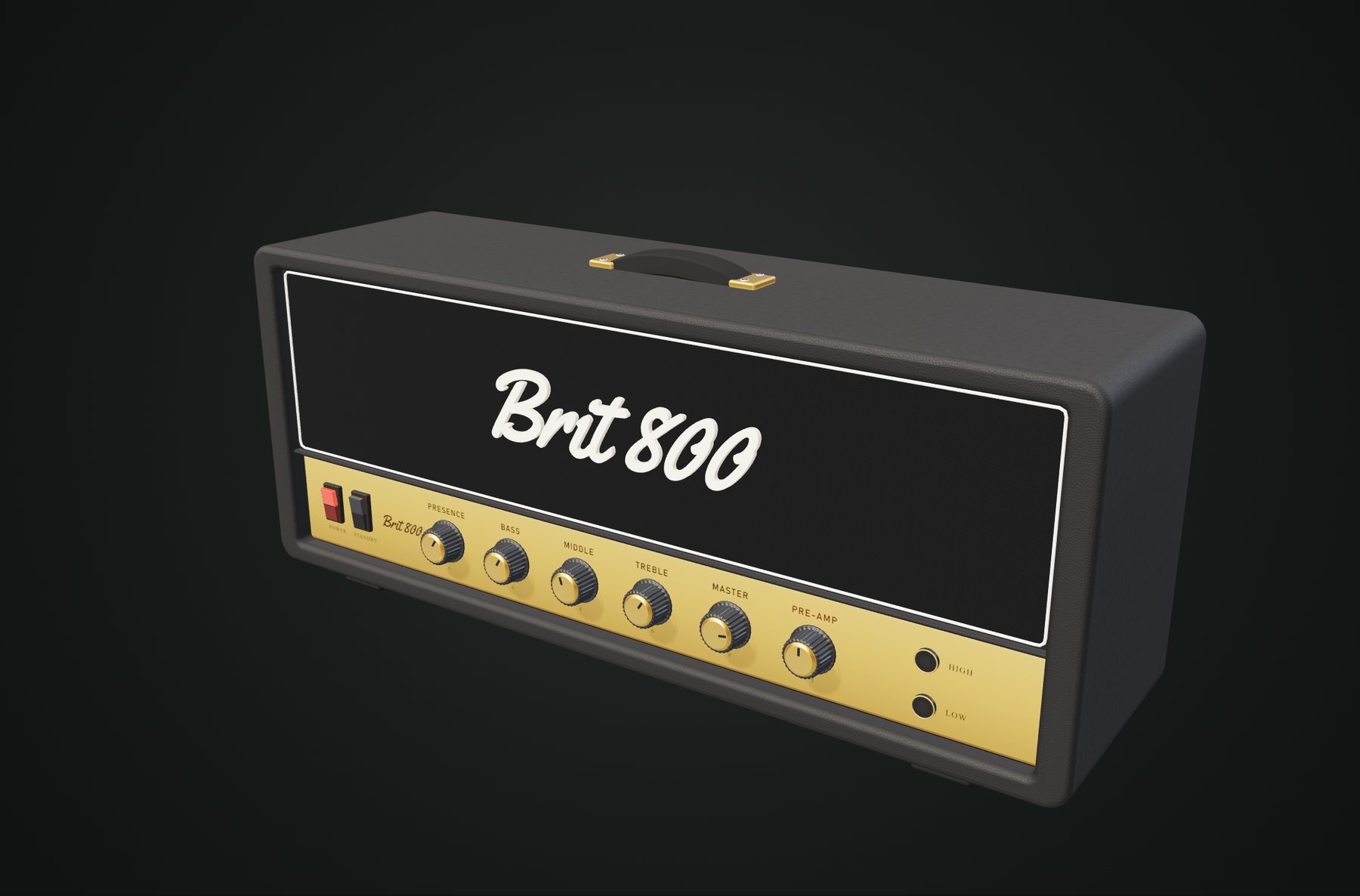
Select a component to highlight it. Choose Inside to remove the cabinet, or Exploded to see how it all fits together.
In the Amp Room every amp, cab and pedal is built to its real size, and each piece can be picked up, opened or taken apart. The insides are illustrative, not service drawings.
Build your own
Two builders live in the room. Design a head and a cab, send them to NAM 9000, and they play as their own amp face — in the free edition too.
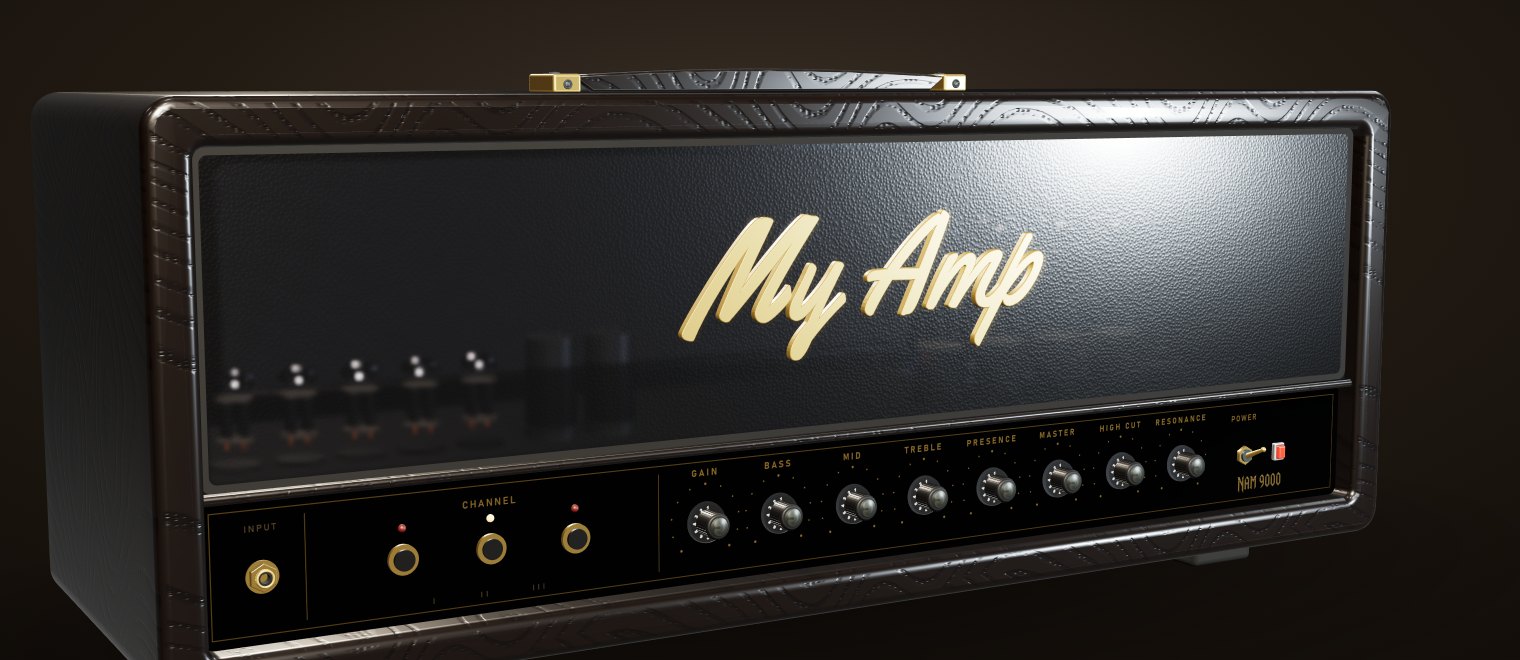
Pick the captured amp that makes the sound — one you own, your own capture or any .nam file. Then dress it: size, front, covering, grille, plate, knobs, handle and your own badge text.
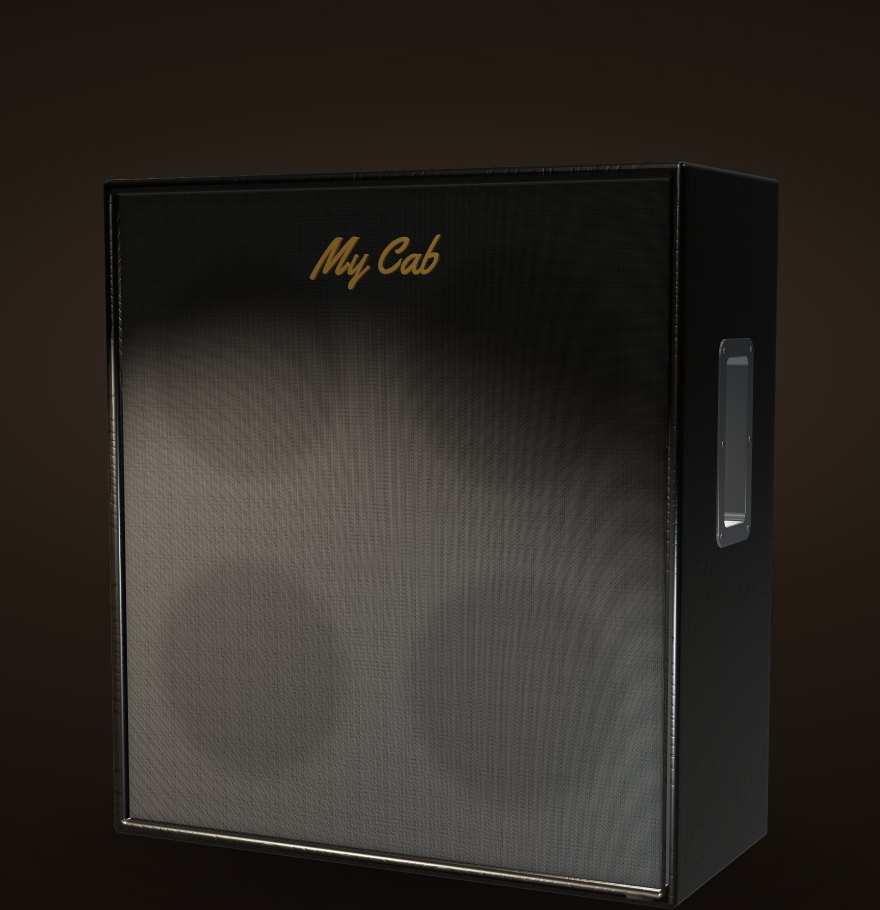
A cabinet family, the speakers, covering, grille cloth, corners and badge — and the impulse response that gives it its sound.
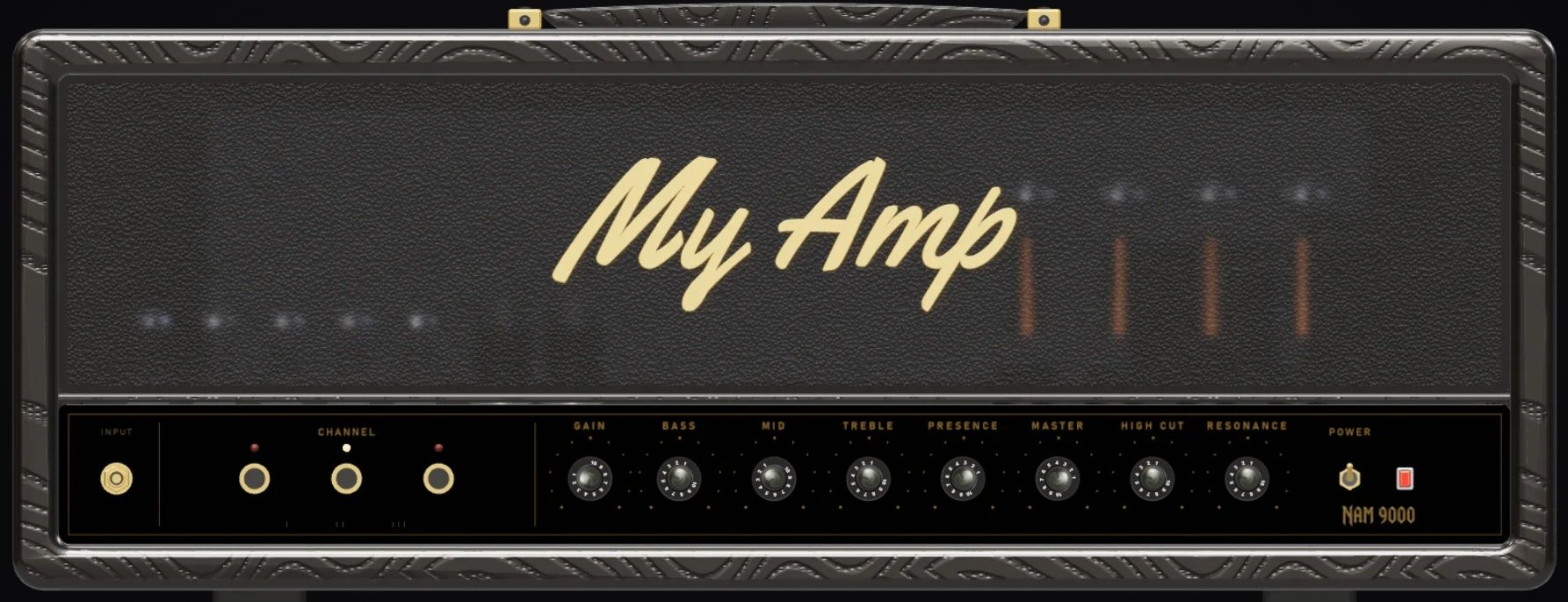
It arrives on your console as its own amp face, with your name in the preset window — and every knob on it does something real. Your builds are kept in your library under CREATIONS, ready to play.
See it move
Twenty seconds of the room, then the whole build step by step: the 4-minute guide goes from the installer to your own amp and cab playing in NAM 9000.
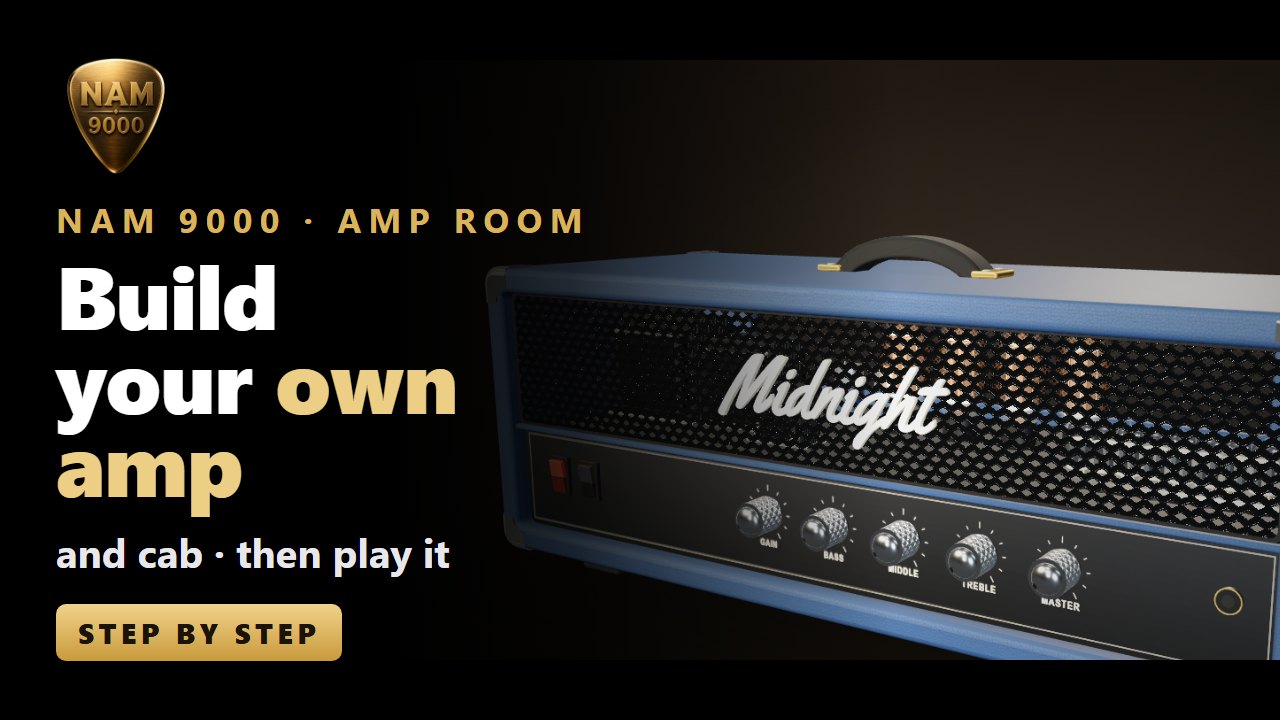
Build your own amp and cab in NAM 9000 — the guide, 4 minutes, on YouTube ↗
Good to know
The Amp Room changes how your rig looks, not how it sounds. The sound is still the captured amp you build on and the cab IR you choose — exactly as when you load them yourself.
It grows from your reports and feedback. Run into something? Settings › DIAGNOSTICS › REPORT A PROBLEM sends us what we need to fix it — nothing goes until you press SEND.
The room and both builders are in the free edition. Keep up to three designs in Your creations — any number with Pro or Premium.
It comes with the NAM 9000 installer for Windows and macOS: Amp room (beta), ticked by default, about 140 MB. No room icon at the top right of the app? Run the installer again and tick it.
Right after installing, a short graphics test picks HIGH, MID or LOW. A computer without 3D graphics gets the room as pictures — everything else in NAM 9000 works as normal.
Every build you send is kept as a file in your library and listed under CREATIONS on the AMPS and CABS pages. Send it again with the same name to update it.
Free download
NAM 9000 1.25 for Windows and macOS. Already have it? The UPDATE badge in the app is lit.
Windows 10 / 11 and macOS 11 or later · VST3, AU, AAX and standalone