Dial the sound in NAM 9000: drives, amp channel and gain, EQ and cab. Then export it as one standard .nam file that your NAM hardware player loads. It comes with the input level to set, so the pedal hears the rig the way the plugin did.
Why a rig, not a profile
A downloaded capture is one amp at one setting. The sound you actually want usually has a drive in front of it, a channel and gain you chose, some EQ and a cab you like. On a computer that is five blocks. On a pedal it is often one model slot and an IR.
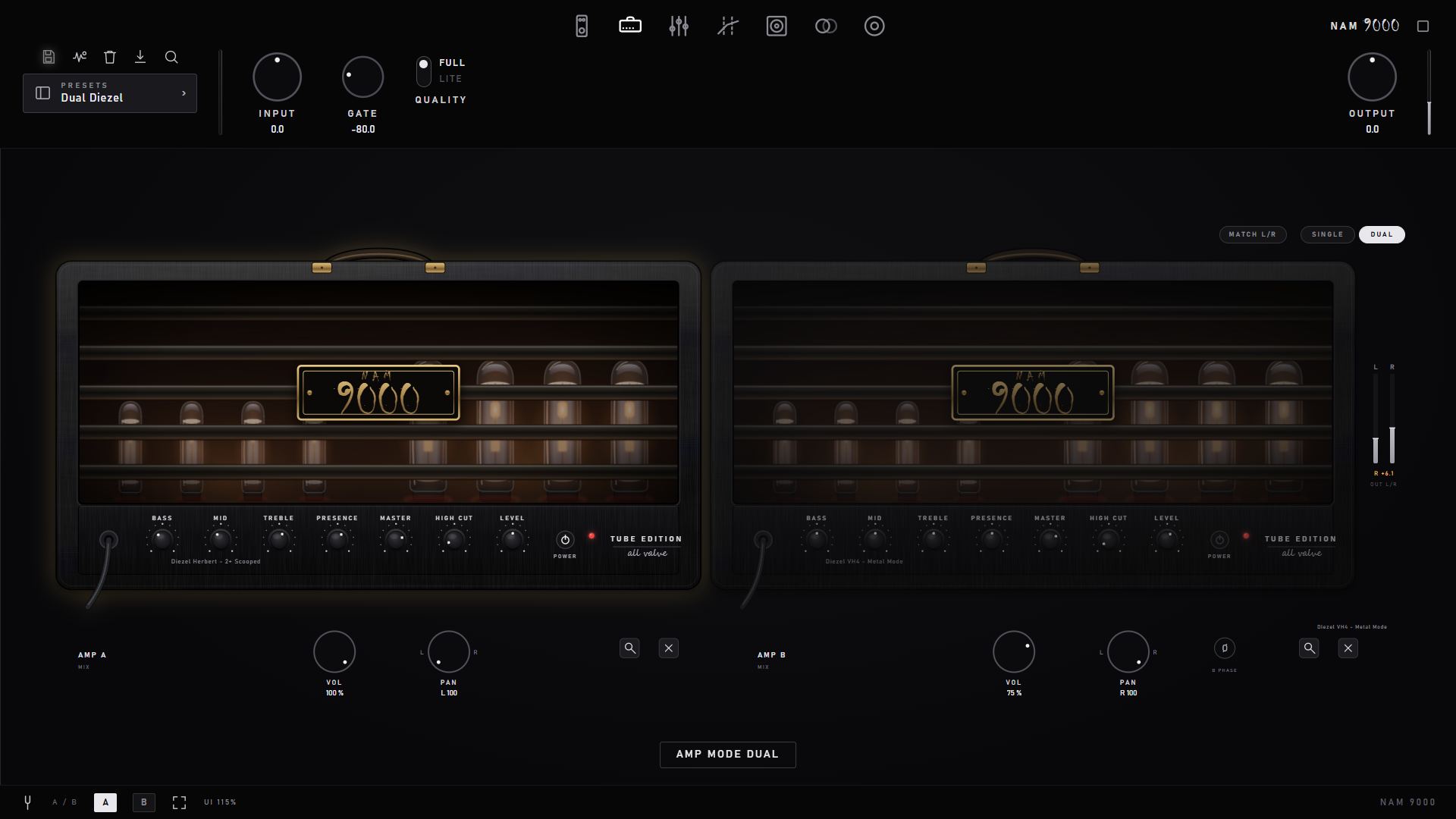
Drives, the amp's channel and gain position, tone stack, EQ and the cab are rendered and trained into one model. That gives you one file and one slot on your unit.
Build the tone where it is easy: a big screen, a mouse, A/B presets, and the amp and pedals in front of you. Send it to the pedal only when it is right.
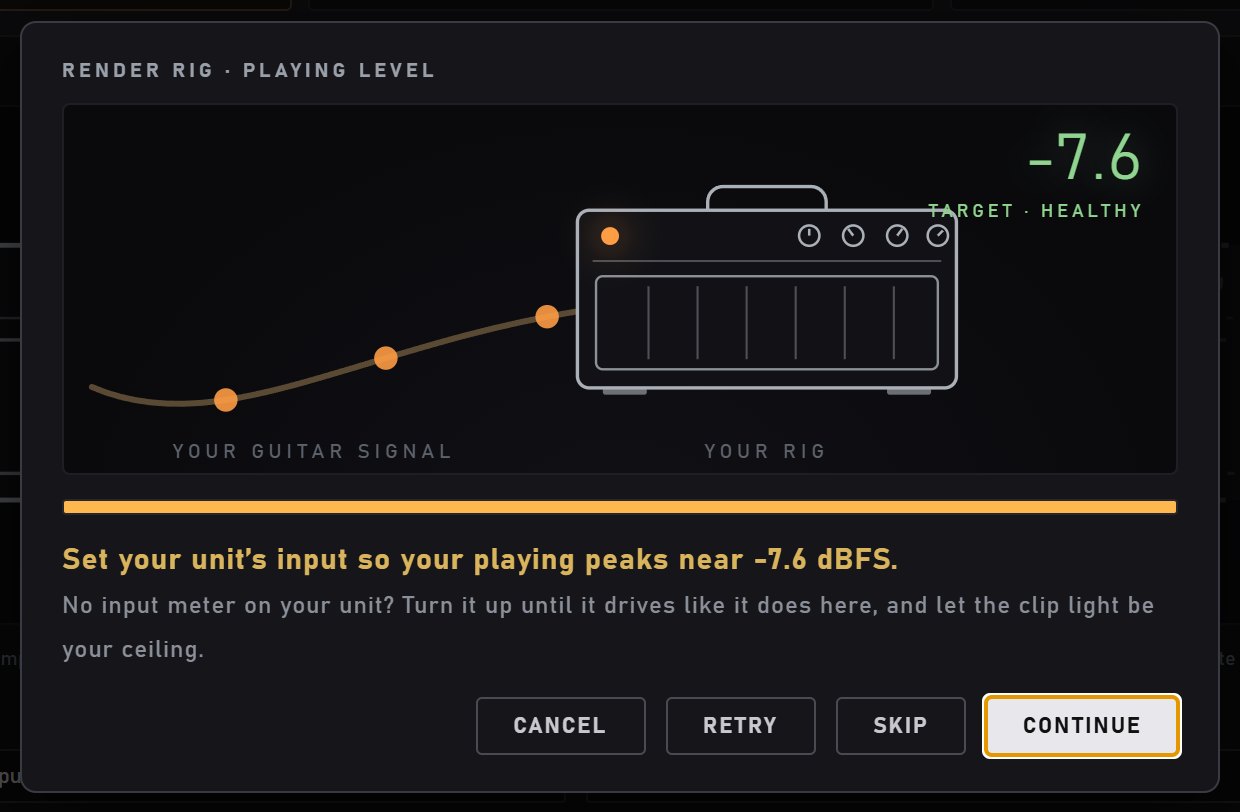
How hard you drive a neural model changes its tone, not just its volume. NAM 9000 listens to you play, then tells you the input level to set on your unit.
The result is an open Neural Amp Modeler file. Keep it, back it up, and load it into the plugin again next to the original to compare.
How it works
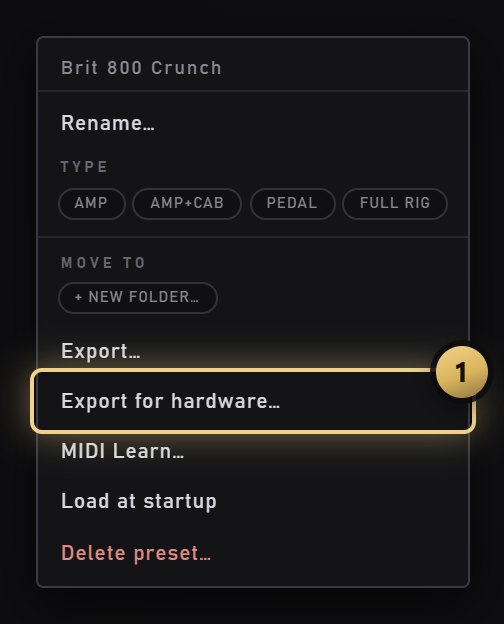
Any preset works: your own, the stock ones, or one built on an amp from a pack. NAM 9000 loads it and starts the export. To export a sound you haven't saved yet, use Render Rig in the toolbar instead.
NAM 9000 measures how hard you play and gives you a target for your unit's input, with a plain verdict: healthy, too low or too hot. No meter on your pedal? It tells you what to do instead.
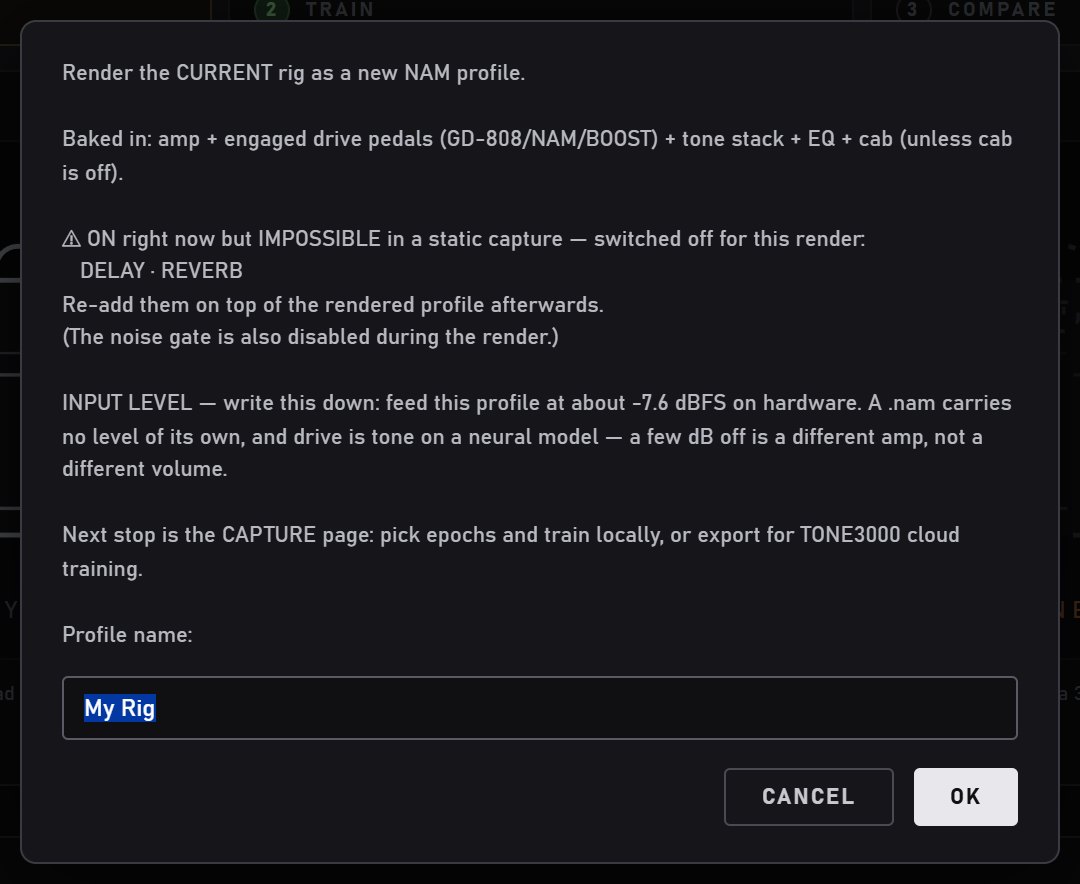
The prompt lists what goes into the file and what stays behind. Delay, reverb, modulation and the noise gate are switched off for the render, because a capture is static. Name it and write down the input level.
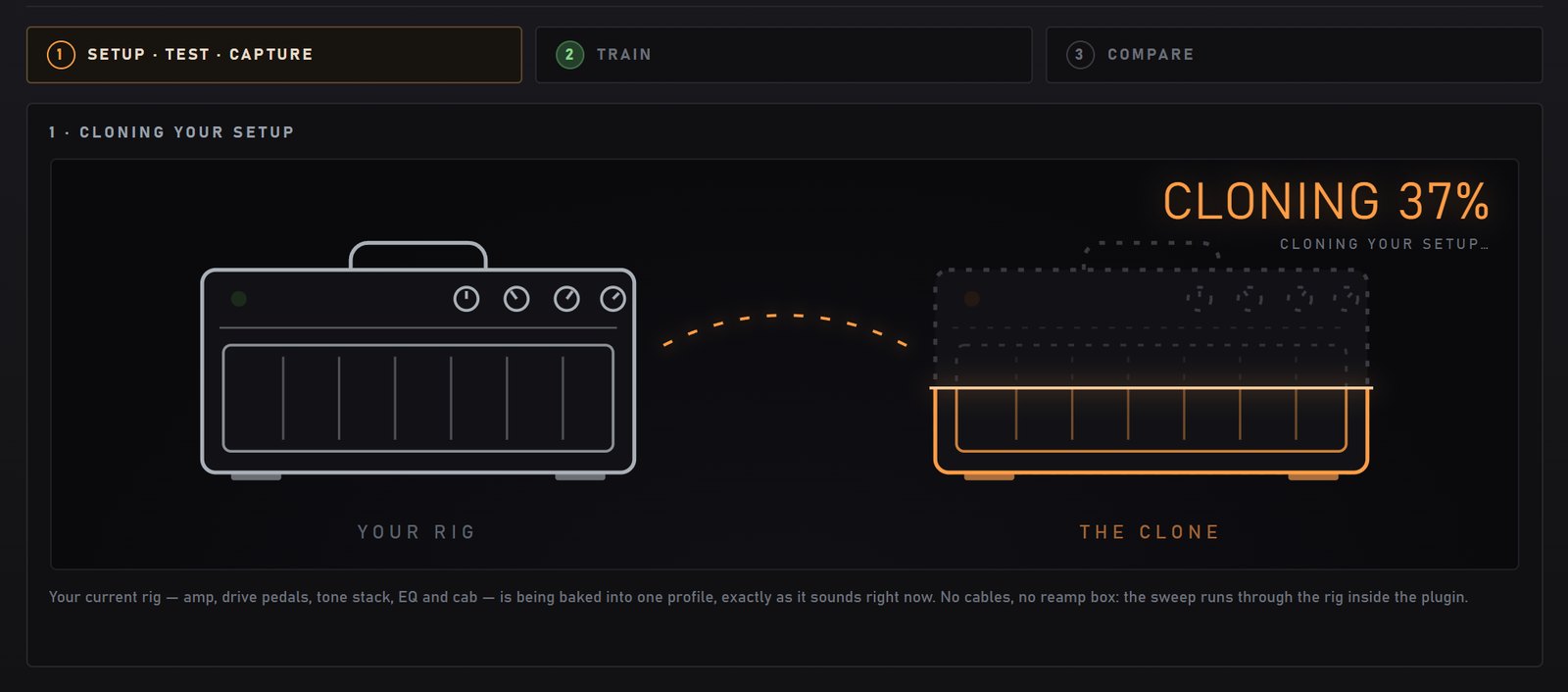
The app runs the capture signal through the rig on its own, so you need no interface, no cables and no reamp box. On Windows with an NVIDIA card it trains on your computer. On a Mac, or without an NVIDIA card, train it free in the browser at TONE3000. Copy the .nam to your pedal, set the input level, and add your unit's own delay and reverb on top.
What travels in the file
.nam, the form hardware players load.What stays behind
Every NAM pedal has these effects built in. The model brings the part a pedal can't fake: the amp, the drives and the cab.
What you can export
At a glance
| The app | NAM 9000, free, on Windows 10 / 11 (64-bit) or macOS 11 and later. Standalone or as a plugin in your DAW. |
|---|---|
| Training | Windows with an NVIDIA GPU trains on your computer. A Mac, or a PC without one, trains free in the browser at TONE3000. |
| Your unit | Any NAM hardware player that loads standard .nam files, such as the Dimehead, HoTone and Darkglass units. We don't certify individual models, so check your unit's manual for the file types and sizes it accepts. |
| Output | One standard .nam per rig (two for a dual-amp rig), with gear type, name and calibration in the file. |
| Price | Exporting your own captures: free. Whole presets and rigs: NAM 9000 Pro, €19 one-time. |
| Licences | Pro and packs unlock offline with a key. No activation server, ever. |
Questions
The export is a standard .nam file holding one plain model. That is the form NAM hardware players load, not the two-in-one A2 container the plugin uses internally. We don't certify individual units, so check your unit's manual for the NAM file types and sizes it accepts.
A .nam file has no level of its own, and how hard you drive a neural model is part of its tone: a few dB off is a different amp, not a louder one. NAM 9000 measures how hard you play and tells you the input level to set on your unit, so the pedal hears the rig the way the plugin did.
Only to train on your own computer, on Windows. On a Mac, or on a PC without an NVIDIA card, NAM 9000 renders the rig on your computer and you train it free in the browser at TONE3000, then download the .nam.
Yes, inside a preset. With Pro, any preset exports as one .nam, including presets built on purchased amps and on the five house heads that come with Pro. Purchased profiles can't be exported on their own, only as part of a rig you dialled.
No. A capture is static, so delay, reverb, modulation and the noise gate are switched off for the render. Add them back with your unit's own effects.
Your own captures export for hardware in the free app. Exporting a whole preset or rig is part of NAM 9000 Pro, a one-time €19 upgrade with an offline licence.
Step by step with every screen: Render Rig and Export for hardware in the manual.
Download
One email, both installers: the Windows and macOS links land in your inbox. Built by Tommy Pedersen, who has spent ten years recording, mixing and mastering metal, and plays through this rig himself.
We use your email for the download links and occasional update news. One-click unsubscribe, no sharing. Privacy policy.